OperatorOne adds a support widget to your website. One script tag, customisable branding, and a dashboard to manage conversations.
Features include: installable PWA, Stripe billing, API keys for embedding, and optional AI-powered suggestions.
Widget → Ticket → AI suggestion → Human response → KB update → Analytics.
Visitors open the chat from your site. One script tag, customisable colours and copy.
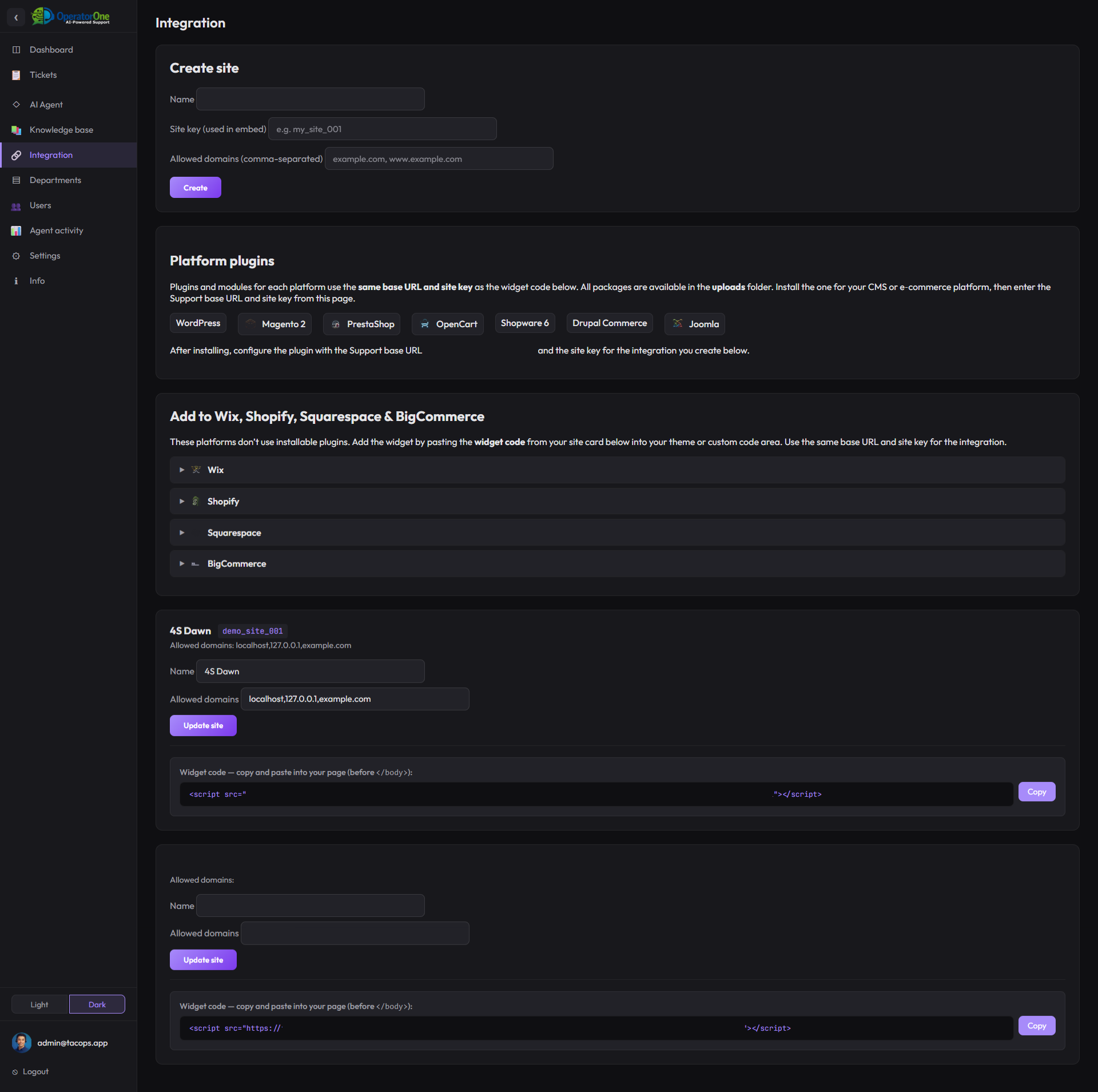
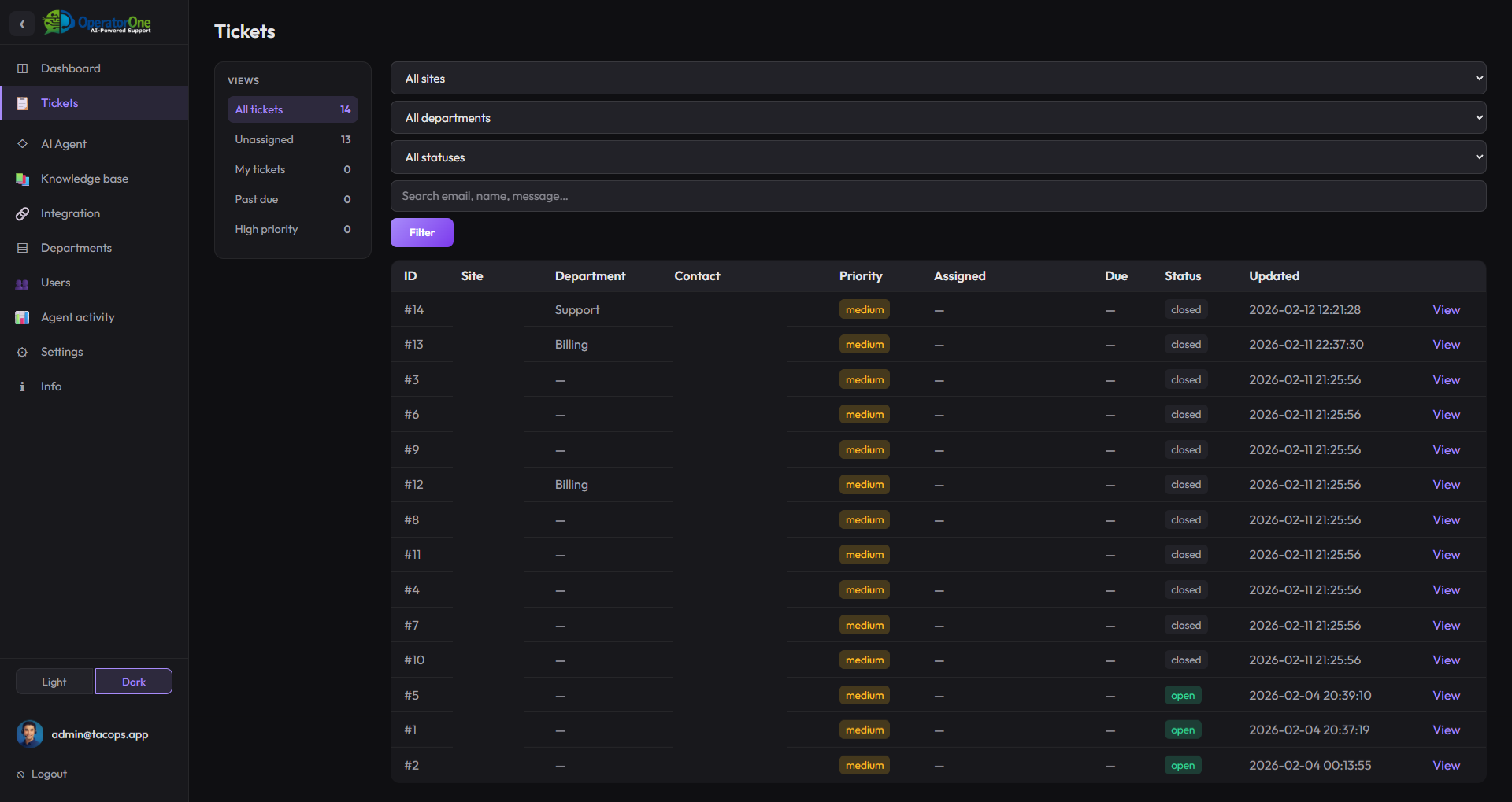
Every chat is a ticket with status, assignment, and full thread. Filter by department or priority.
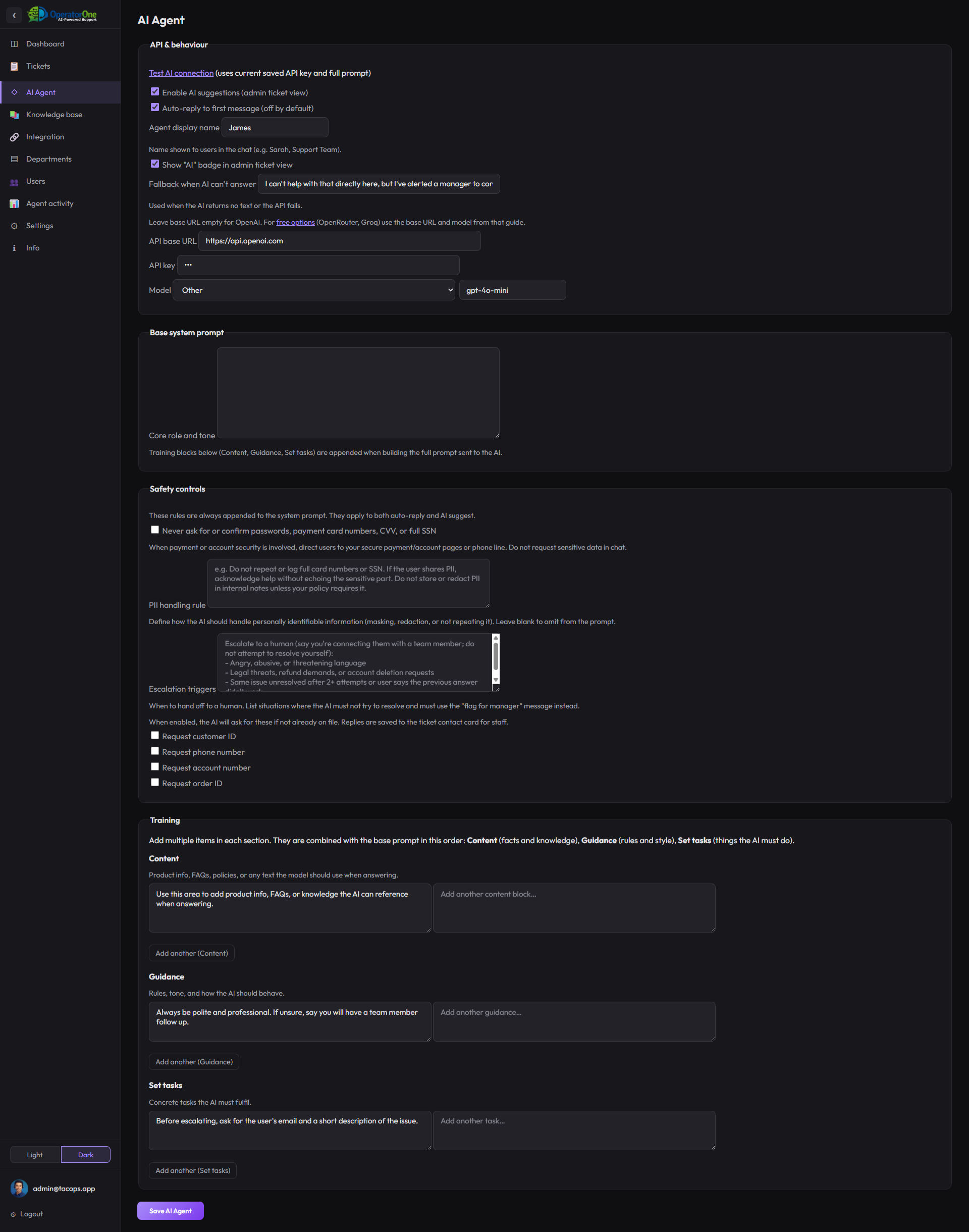
Agents get AI-suggested replies based on the thread and your knowledge base. Edit and send.
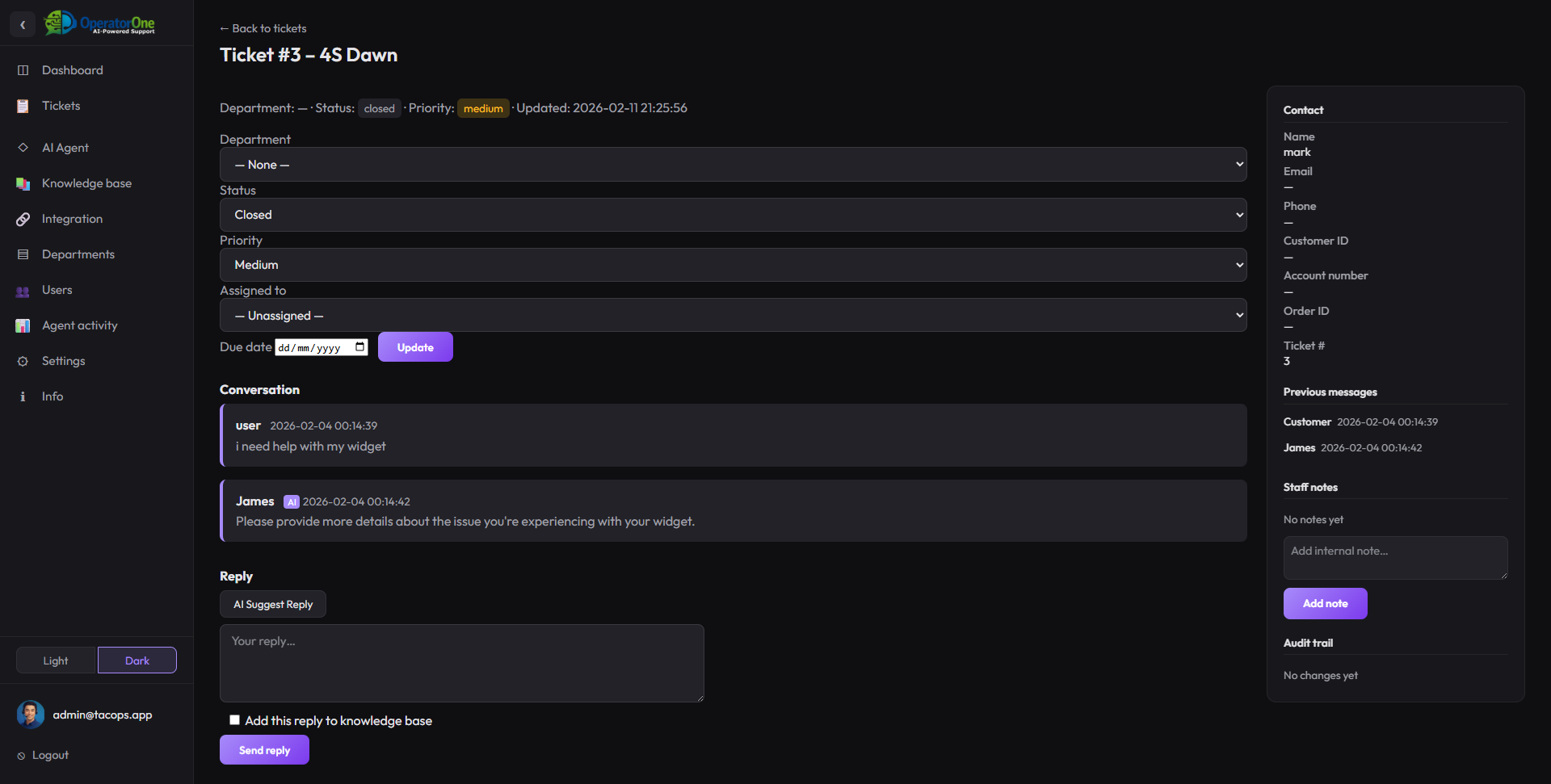
Reply with full context. Assign, set priority, due date. Escalate when the AI can’t help.
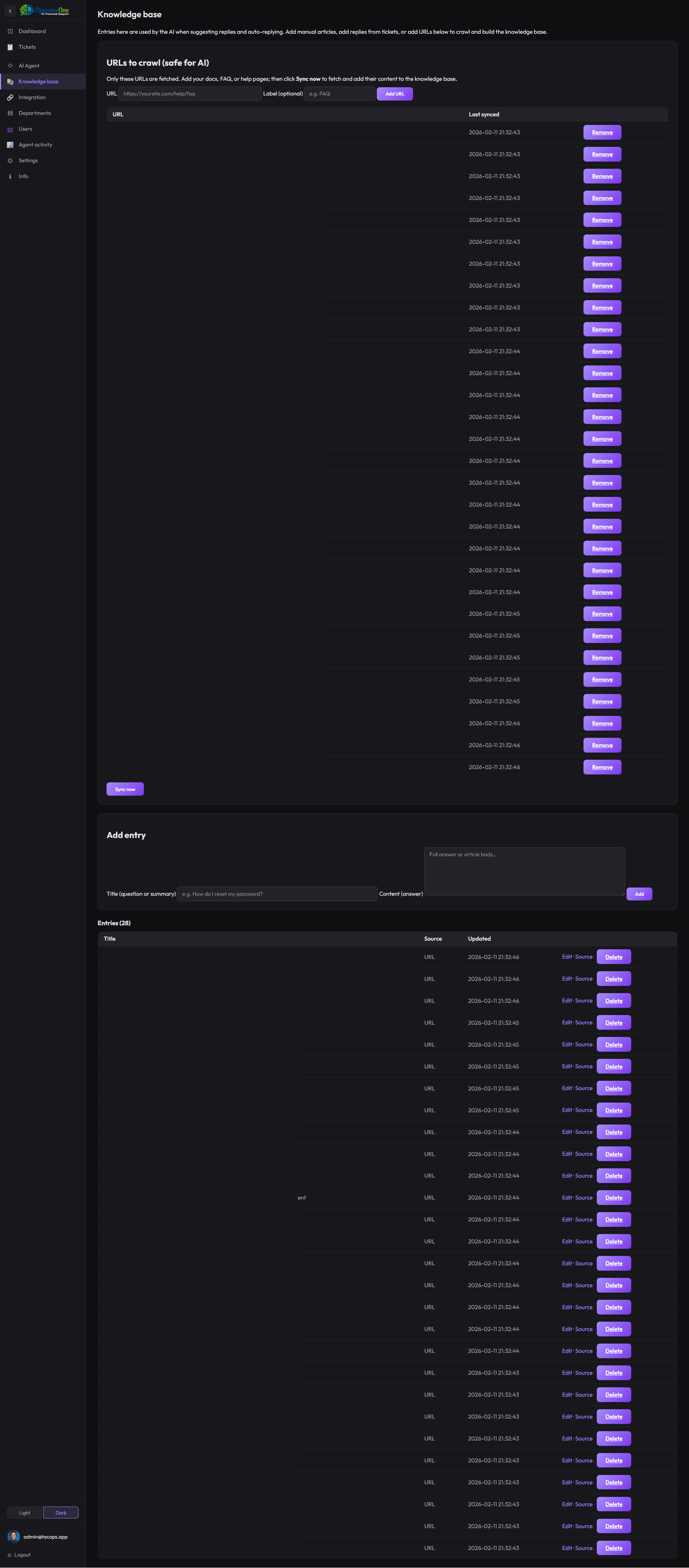
Add or update KB articles so the AI and agents have accurate answers next time.
OperatorOne adds a support widget to your website. One script tag, customisable branding, and a dashboard to manage conversations.
Features include: installable PWA, Stripe billing, API keys for embedding, and optional AI-powered suggestions.
Everything the support widget and admin dashboard provide.
An AI support widget is a floating chat button on your website that lets visitors ask questions. The widget uses AI to answer instantly from your knowledge base. When the AI cannot help or the visitor asks for a person, the conversation becomes a ticket for your team with full context. OperatorOne is one example: one script tag, AI replies, and human handoff in one dashboard.
When a visitor requests a human, or the AI hits an escalation trigger, or an agent takes over, the conversation is converted into a support ticket. The full thread—every message from the visitor and the AI—is preserved. Your team sees everything in one place and replies with full context. No starting from scratch, no broken threads.
Connect Calendly, Acuity Scheduling, Square Appointments, Microsoft Bookings, and other booking platforms. When a visitor asks to book, schedule a call, or make an appointment, the AI includes the right booking link in its reply. Add multiple integrations per site (e.g. sales calls, support demos). The AI directs visitors to the correct link so they can pick a time without leaving the chat.
OperatorOne is designed to support GDPR-aware workflows. You control where data lives, retention, and access. You can export and delete customer data. Configure PII controls, use your own SMTP and hosting, and define retention policies. We do not sell or share your data with third parties for marketing. See our Security page for details.
Yes. OperatorOne supports multi-site helpdesk management. Each site has its own widget snippet (site key and allowed domains). You can run one widget per brand, client, or domain. The dashboard filters tickets by site. Plan limits on the number of sites apply depending on your subscription.
Yes. OperatorOne is a lightweight Intercom alternative focused on AI support and human handoff. No product tours or marketing automation—just an embedded support widget, tickets, knowledge base, and one dashboard. Pricing is based on conversations and sites, not per seat. See our Intercom comparison page for a full breakdown.